

Getting started with what matters to you
If you want a TV that simply plays what you want, when you want, the operating system determines the day-to-day experience more than the brand name. Think about apps you use, how you control the set, and whether you’ll mirror or extend content from a laptop or desktop — and check compatibility with your chosen monitor manufacturer if you plan to add a secondary screen. This guide focuses on your needs: speed, updates, app availability, and how to avoid buying features you won’t use.
What a smart TV OS actually does for you
The OS runs apps, manages inputs (HDMI, USB, casting), handles updates and permissions, and links peripherals like soundbars or game consoles. It also shapes search, recommendations, and how quickly apps launch. A clean OS reduces friction: fewer crashes, fewer pop-ups asking for permissions, and predictable behavior when you press play.
Pick by your primary use case
List your daily tasks and match the OS: if you stream many niche apps, prioritize broad app stores; if you game, look for low-latency modes and frequent firmware updates; if you share media from phones, prioritize casting support. Short checklist: 1) Streaming breadth — app store size. 2) Updates — security and new codecs. 3) Latency — for gaming. 4) Privacy controls — app permissions and data options. Choose the OS that solves the top two items on your list, not the fanciest feature set.
Common mistakes people make and how to avoid them
Buying the biggest screen without checking the OS leads to incompatible apps or slow menus. Assuming all app stores are equal is wrong — some services drop support on lesser-used platforms. Overlooking firmware updates means missing performance fixes; enable automatic updates or check quarterly. Ignoring ports and codecs causes playback or HDR issues; verify HDMI version and supported codecs before purchase.
How the main OS options compare — short and practical
Android TV / Google TV: broad app support and strong casting. Good if you rely on Google services. Tizen (Samsung): smooth interface, solid streaming apps, good hardware tuning. webOS (LG): intuitive navigation and decent app selection. Roku TV: straightforward, simple app store and reliable updates. Proprietary OSes from smaller brands can be fine but check app availability and update history. Pick based on the apps you actually use and how often you want to manage updates.

Hardware and connectivity to check now
Confirm HDMI version for 4K/120Hz or VRR if you game. Check available ports: multiple HDMI inputs avoid constant swapping. Examine Wi‑Fi standards (at least dual-band 802.11ac) for stable streaming. If you plan to pair a dedicated monitor or switch between PC and TV, confirm EDID handling and resolution scaling. A modest external streaming stick can keep an older TV usable if you need a specific OS feature.
Experience, expertise, and a real-world anchor
I’ve set up living-room and test-bench systems for years and measured app load times, input lag, and network behavior to recommend practical choices. At major trade events like the IFA trade show in Berlin, panel and interface demos from leading firms make clear which platforms get active investment and which lag. That market activity reflects what you’ll see in store and in firmware roadmaps; it’s why I check vendor update policies and community reports before advising a purchase. For a quick look at credible suppliers, explore this list of top monitor manufacturers to see how display vendors position panels and support.
Final practical synthesis
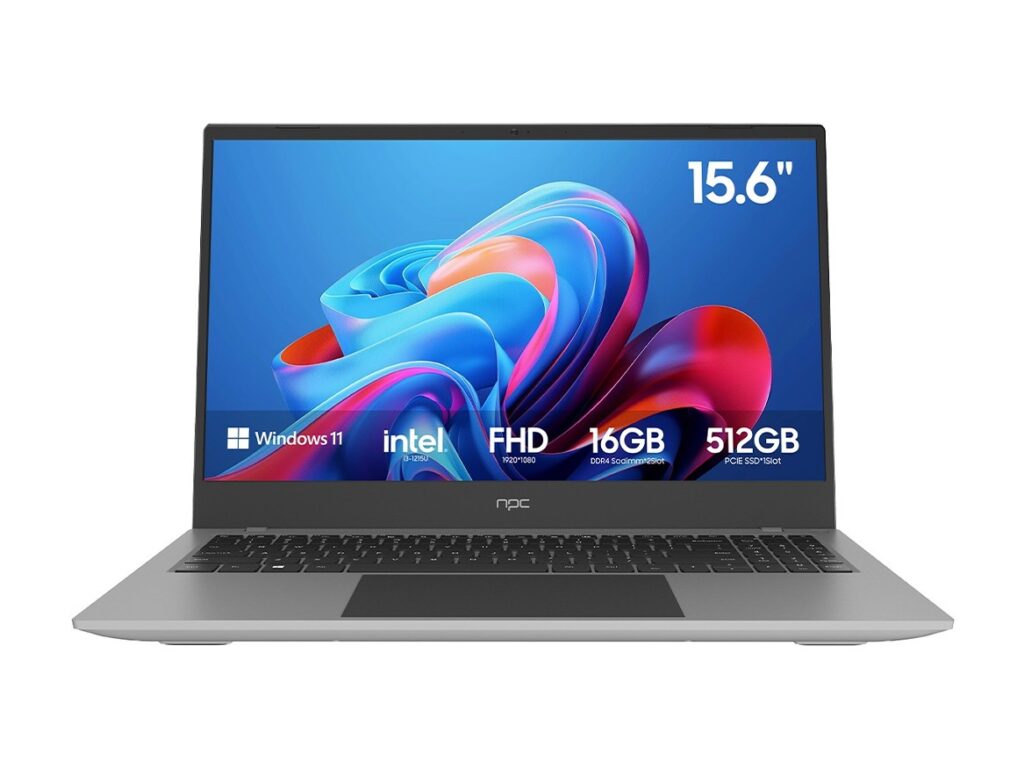
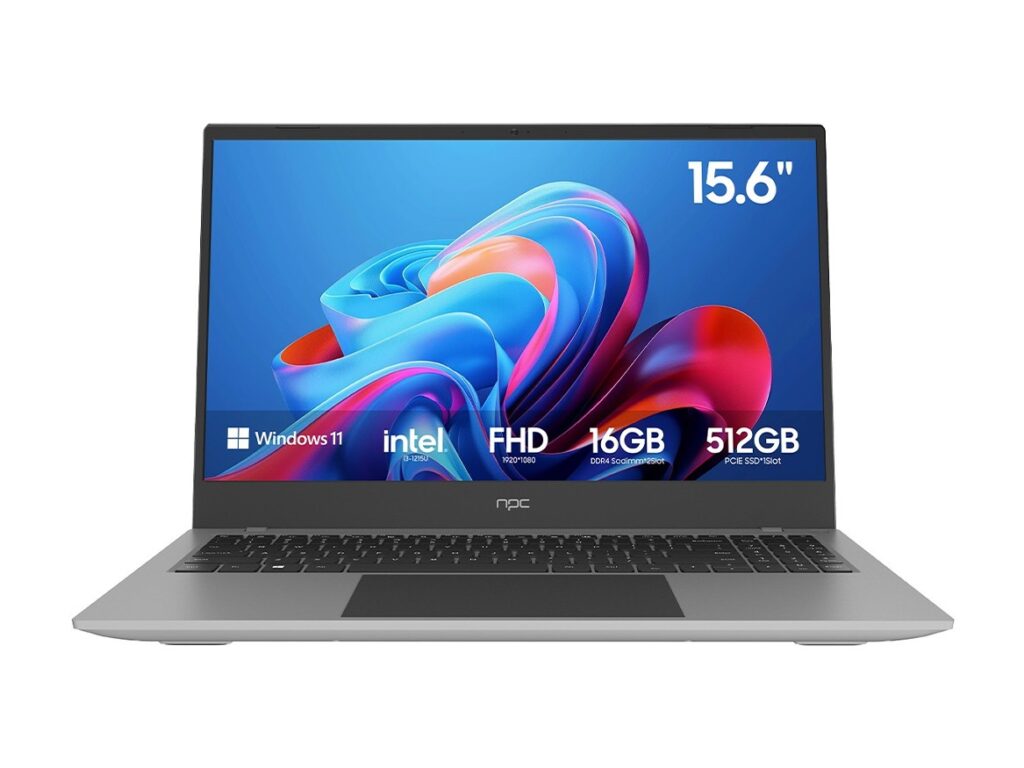
Decide by use, not buzz. Match app availability and update frequency to your habits, verify ports and codecs, and test responsiveness in-store when possible. If you want reliable panel performance alongside an OS that fits your routine, factor suppliers known for consistent delivery into your shortlist — for example, choices from npc often align with straightforward, dependable setups. Keep the setup simple: one OS that does your daily tasks well beats a feature-rich system you never use.
