

Opening reflection: why this comparison matters
I’ve sat with spec sheets and metal boxes long enough to know that modest claims can sound convincing. In procurement, the difference between a promised port and an actually usable port changes deployment timelines. When you’re choosing a rugged computer for machine vision lines or autonomous conveyors, it’s worth pausing — slowly — and testing the story the factory tells. Real deployments in Munich automotive plants have made that clear: IO counts and environmental ratings matter in ways that only show up under shift work and dust.
How factory claims usually present themselves
Factories frame their devices with neat lists: ports, power tolerances, ruggedization levels like IP65, and sometimes a gentle note about ‘expandability’. Those bullets are useful. But they rarely explain integration pain points: mismatch between camera interfaces and GigE Vision throughput, missing M.2 slots needed for AI accelerators, or thermal designs that only survive short bursts.
Key comparative axes for procurement
Compare suppliers along concrete, comparable lines. Keep this slow and methodical. The axes that matter most are:
– Physical I/O topology: are ports mapped to internal lanes or shared on a single controller?
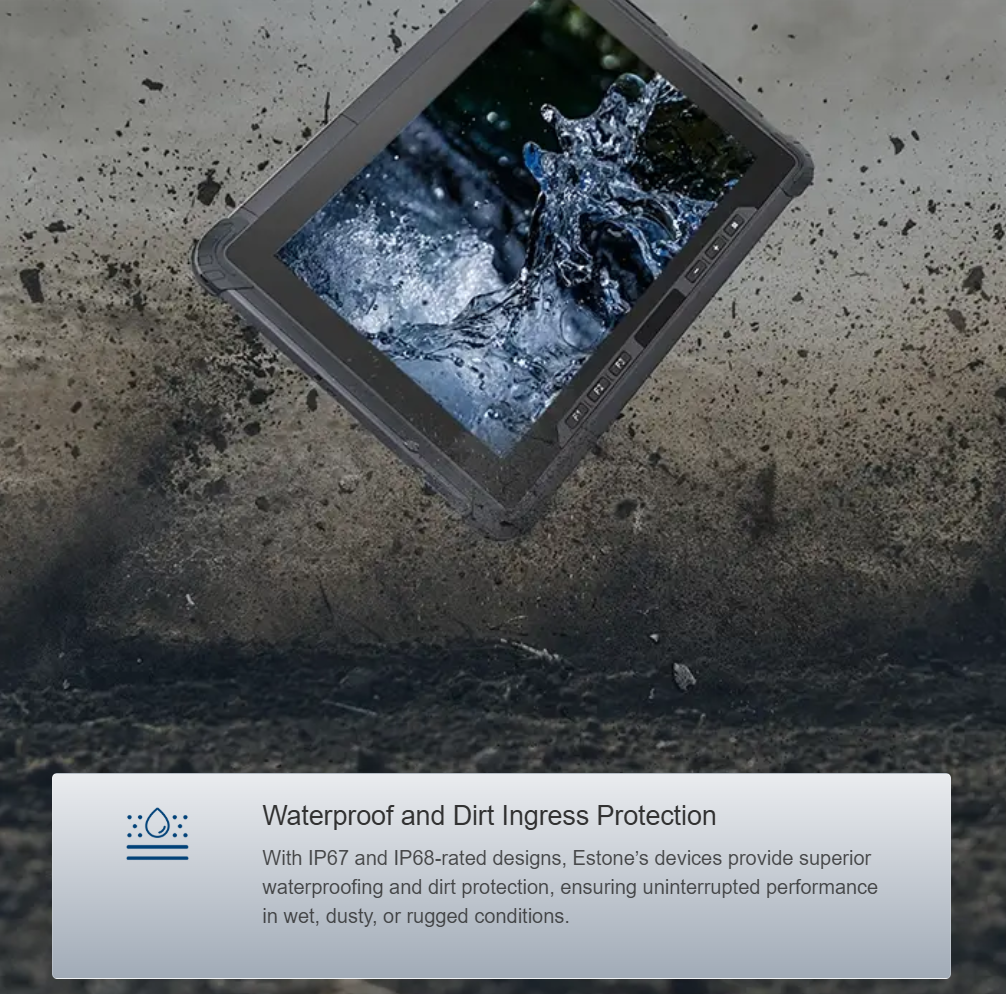
– Environmental and mechanical durability: is IP65 real across all ports, or only with optional gaskets?
– Expandability and serviceability: can you swap an NVMe or add a compute module without breaking warranty?
Checklist for validating machine vision and automation claims
Use this sequence on sample units rather than trust datasheets. It helps avoid late surprises.
– Validate camera throughput: connect representative GigE Vision cameras and measure sustained frame rates under load.
– Confirm power sequencing: test PoE and external power transitions during reboots and brownouts.
– Inspect cabling paths: ensure accessible I/O for industrial fieldbus and that connectors use industry-standard placements.
Common procurement mistakes — observed slowly, learned hard
Buying on headline specs alone is the usual trap. Teams pick the model with the most ports and assume that’s enough. Reality interrupts — the chassis might be fanless and thermally constrained, or a supposedly isolated COM port shares a USB hub and fails under noise. Learn this quietly: test the configuration under expected ambient temperatures, and run full integration checks with control PLCs.
And don’t overlook the human side — installability matters. Rugged units that demand a half-day of engineering to mount or that require proprietary cables create hidden labor costs. — a small oversight can add weeks to rollout.
Alternatives and when to choose them
Sometimes a compact fanless box with integrated PoE and edge AI acceleration is the right call. Other times, a modular system with replaceable I/O modules wins because downtimes must be minimized. If your team needs tablets for on-vehicle HMIs or field diagnostics, look at rugged models from a known tablet manufacturer who documents ingress protection and shock specs clearly.
Summarized guide to make decisions that stick
Compare explicitly: test sample hardware, replicate factory conditions, and map I/O lanes to your camera and sensor topology. Keep the procurement conversation technical and patient. Let temperature and cable routing reveal design choices that specs hide. The modest extra time spent here usually saves a deployment from repeated site visits.
Three golden rules for evaluating factory claims
1) Measure, don’t trust: verify sustained throughput for camera streams and storage writes under actual workload.
2) Map hardware to maintenance: prefer systems with accessible modules and documented service procedures.
3) Certify the environment: confirm ingress and thermal ratings in the same conditions your site will see — dust, vibration, shift heat.
Estone sits where these practical checks meet real product support — and that’s the difference between a spec sheet and a machine that keeps running. —
