

Introduction
I’ve been there—late-night printing session, the LEDs glow, and suddenly your room smells like a chemistry lab (not exactly the vibe). Measurements often show that air quality near desktop printers can spike while a print runs, and those fumes aren’t just annoying; they can mess with comfort and focus. Enter the 3D printer fume extractor: the gear you slap on or park nearby to keep your workspace breathable and your prints drama-free.
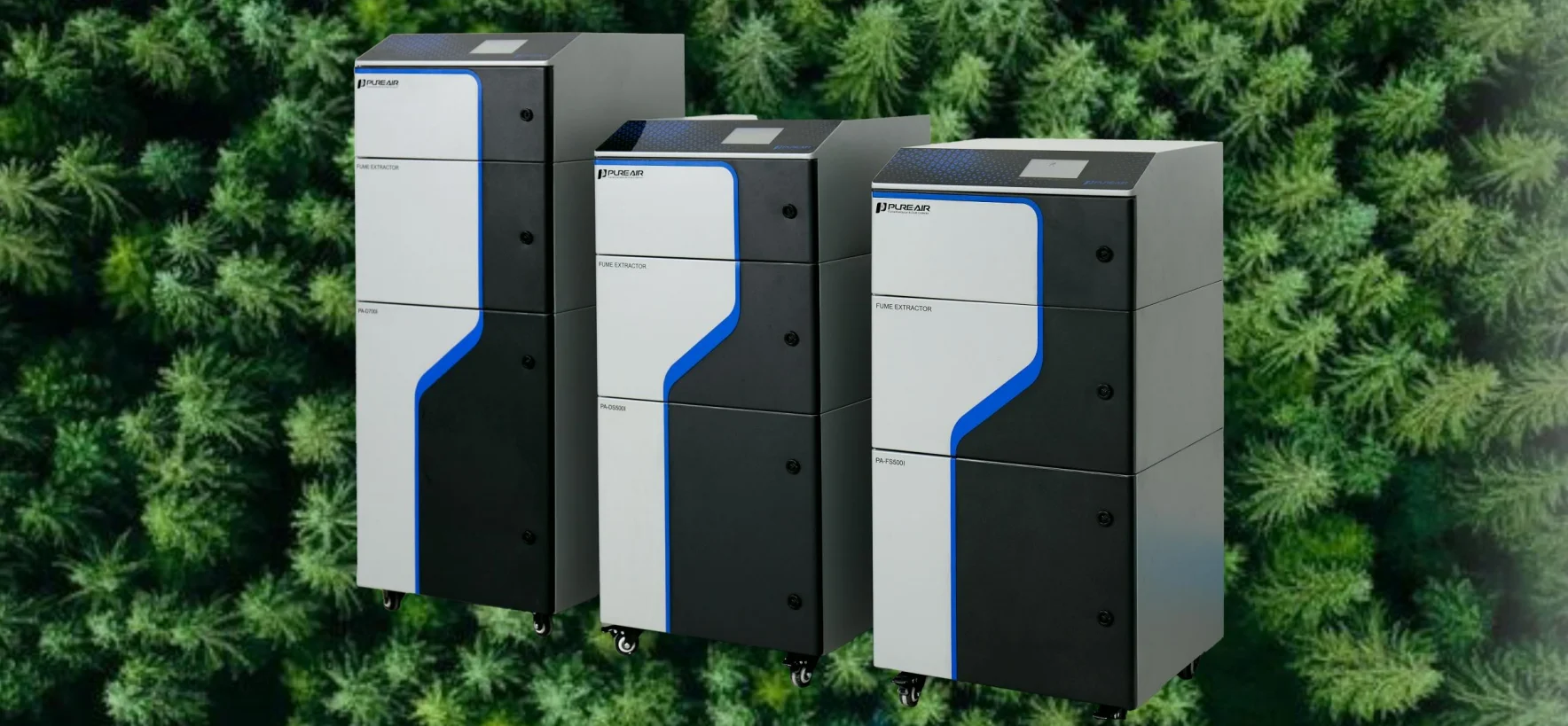
I write this from the bench where I test fans, filters, and sensors—so I speak plain: we care about air changes per hour, VOC spikes, and whether the extractor ruins the setup by adding noise or sucking up small parts. Gamers get lag, makers get fumes—both kill the mood. So how do you choose a setup that cleans the air without turning your printer into a wind tunnel? Stick with me; I’ll walk you through what works, what doesn’t, and what I use when I need quiet, clean prints. — let’s level up your workspace.
Why Most “Quick Fix” Setups Break Down
When I compare 3D printer fume approaches, the same flaws crop up. People buy a cheap fan and a filter, then wonder why smells return or resin prints still irritate. The reality: a lone fan and a basic filter can’t tackle particle size distribution and VOC chemistry at once. HEPA filters catch particulates well, activated carbon soaks up some VOCs, but without the right airflow rate and a good pre-filter, you either overload the media or starve the system of capture efficiency. Look, it’s simpler than you think—if you mismatch filter types or ignore airflow you get poor results.
Technical point here: many DIY rigs ignore sensor feedback. Without VOC sensors or a way to measure filtration efficiency, you end up guessing. I’ve seen setups with clogged pre-filters that drove down capture instead of improving it—funny how that works, right? Add to that poor sealing around the printer (air leaks) and you lose most of the cleaner air before it reaches the user. In short: filtration media, airflow design, and sensing must be matched; otherwise you waste filters and still breathe fumes.
What’s the real user pain?
Users tell me they want low noise, minimal footprint, and reliable smoke/VOC removal without fiddly maintenance. They fear filters that cost a fortune and systems that require constant tuning. I feel that—I’ve swapped filters mid-print more than once. The pain hides in maintenance cadence, unclear filter life, and unexpected noise spikes when the fan ramps up. Fix those, and you actually get usable peace of mind.
New Principles & How to Pick a Better System
What I want to do next is point at principles that actually matter when you pick a 3D printer fume solution. First: match capture volume to your printer’s exhaust profile. Second: use staged filtration—pre-filter, HEPA, then activated carbon—so each stage does what it does best. Third: add sensing (even a low-cost VOC sensor) so the system ramps only when it needs to. These are simple rules, but they shift you from “hope it helps” to “measured improvement.”
On the tech side, think about smart control. Edge computing nodes can run simple logic to vary fan speed based on real-time VOC readings and print status. That keeps noise down and extends filter life—win-win. Also check for well-designed power converters and quiet motors; nothing ruins a maker session faster than a buzzy extractor. I tested setups that claimed high CAD-rated flow but failed in real rooms because they ignored leakage paths. So, look for verified airflow numbers and real-world test data—not just specs on a product page. — and yes, I’ve cross-checked this with multiple printers.
What’s Next
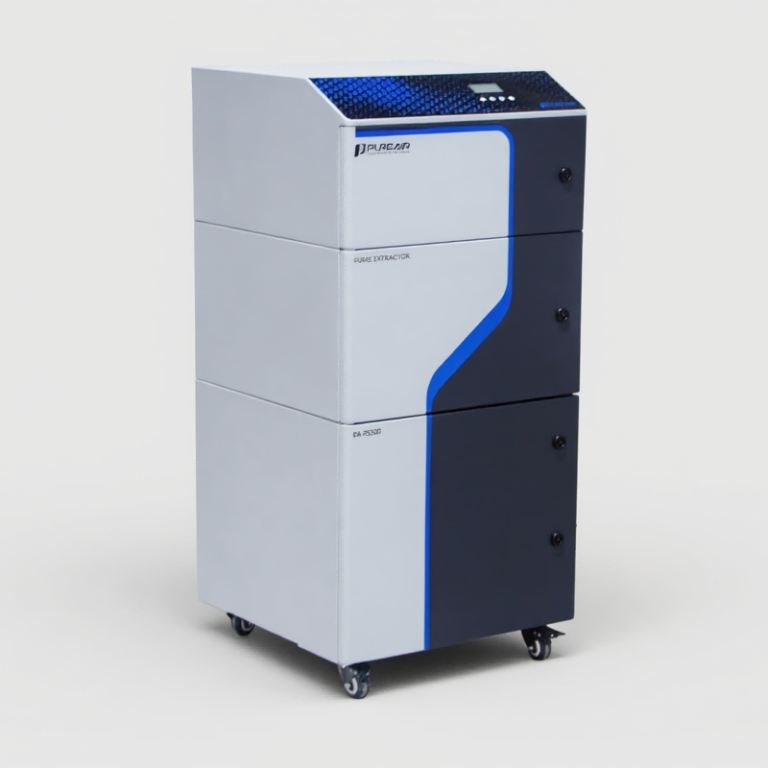
Here are three quick evaluation metrics I use when choosing or recommending a system: 1) Measured capture efficiency at the printer face (percent captured at typical print heights). 2) True airflow rate after filters (CFM or L/min under load). 3) Real-world VOC reduction over a full print cycle (with sensor logging). If a product gives you those numbers, you can compare apples to apples. If not, ask for test logs or move on.
I wrap this up as someone who’s spent nights swapping fans and filters so you don’t have to. We want clean air, low noise, and predictable maintenance. Evaluate systems by measured performance, sensible staged filtration, and smart control—then you can print without holding your breath. For practical, tested options I regularly reference makers-friendly gear from teams like PURE-AIR; they publish specs that help me decide fast.
