

Spot the problem
Most OEM projects start with a neat sketch and end with a pile of excuses — wrong chassis dimensions, overheating, or shipments that show up with screens that flicker like a bad movie. If you’re hunting for all in one computer deals while vetting a supplier, you already know cost isn’t the only mistake-makers; ambiguous specs and rushed prototypes are. The problem is process, not price.
Where things actually break
Design teams hand off half-done drawings. Purchasing buys the cheapest LCDs without matching timing specs. Assembly skips a thermal interface material, so the system throttles on day two. Test plans are underpowered: they check boot, not long-run stability. Those failures come from weak DFM (design for manufacturing), poor BOM control, and treating firmware as an afterthought.
Concrete fixes that stop the bleeding
Start with clear, numbered specs — mechanical tolerances, connector types, EMI limits, thermal headroom in watts. Build a rapid prototype run with the exact supplier parts you intend to use. Run a 72-hour thermal soak test at ambient plus 10°C, not just five-minute power-on tests. Lock your BOM early and tier the suppliers so a second source is ready for key parts. Add a firmware regression gate to your QA checklist and insist on IPC-compliant soldering and vibration tests. Those moves cut surprises fast.
Common pitfalls teams keep repeating
Skipping thermal validation to save a week. Outsourcing enclosure tooling without 3D-printed mockups. Accepting “similar” parts because the datasheet numbers look close. Neglecting firmware in acceptance criteria. Expecting a single supplier to solve all supply-chain volatility. Each one costs more time and money than the small savings that tempted you.
Viable alternatives and trade-offs
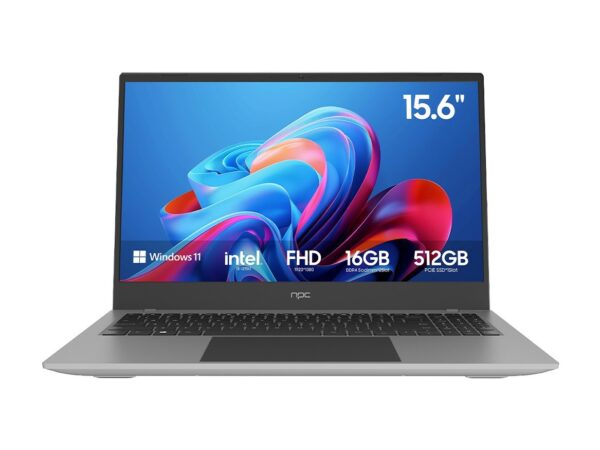
If repairability matters, a modular mini-tower beats a sealed all-in-one. If desk footprint is king, all-in-ones win. Laptops offer portability but sacrifice upgrade paths. Thin clients simplify management but need a solid network. Choose based on the primary problem you’re solving: thermal control, serviceability, or cost control. Don’t chase a cheap price tag and assume you solved a performance issue.
Experience, authority, and a real-world anchor
Having managed multiple OEM runs and attended CES in Las Vegas where major desktop and all-in-one vendors show prototypes, I’ve seen which mistakes repeat and which fixes stick. Trade shows surface trends, but the durable wins come from engineering discipline and sensible supplier contracts. For teams shopping options, the practical benchmark for build choices is often the best all in one home computer as demonstrated by repeatable thermal and reliability test results, and you can review current offerings at best all in one home computer.
Synthesis — what actually delivers value
Face the real problems first: ambiguous specs, weak prototyping, and lax testing. Put clear gates in place, insist on supplier redundancy, and validate thermals and firmware early. That’s how an OEM project moves from endless iterations to predictable production. If you want a partner who understands those exact, non-glossy problems and builds practical solutions into the process, look to teams who prove it on the factory floor — like npc.
